
Screenshots
App details
- Updated
- 2024-12-10T08:05:15.7377788Z
- Requires
- Windows 10 version 19041.0 or higher
- Language
- English
- Developer
- BALKAN App
- Category
- Mobile
SoftPas in:
This product is also available in the following languages:
About Family Tree Maker
Download Family Tree Maker – family tree, genealogy, ancestry, family history, online family tree, printable family tree, family tree maker, family tree app, family tree software, family tree online
Overview
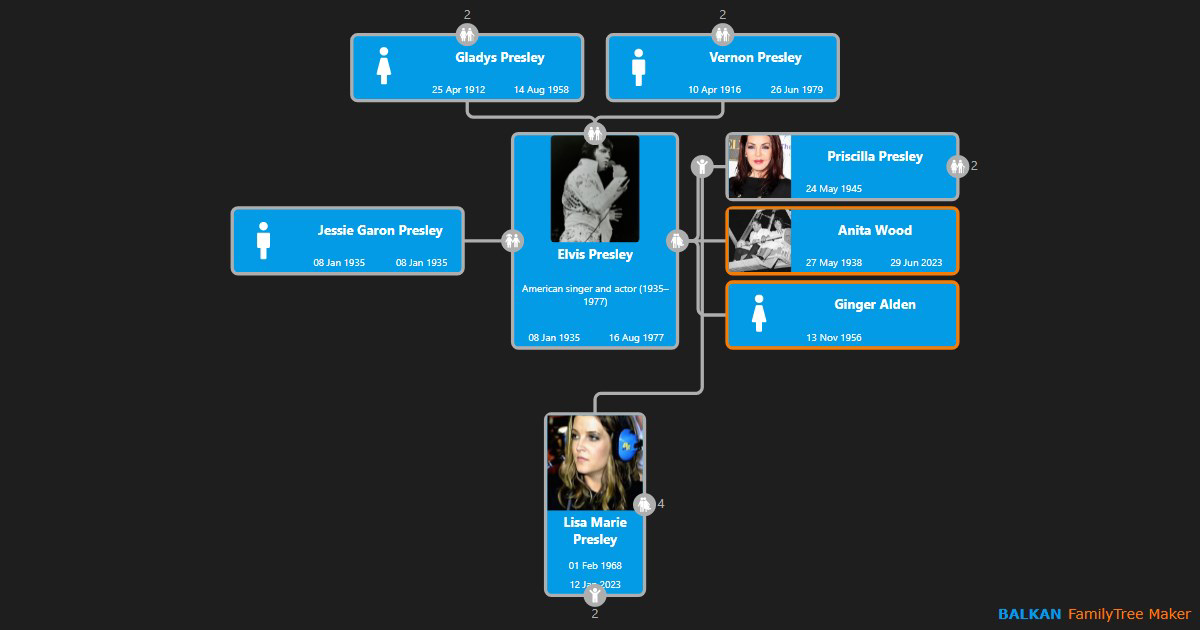
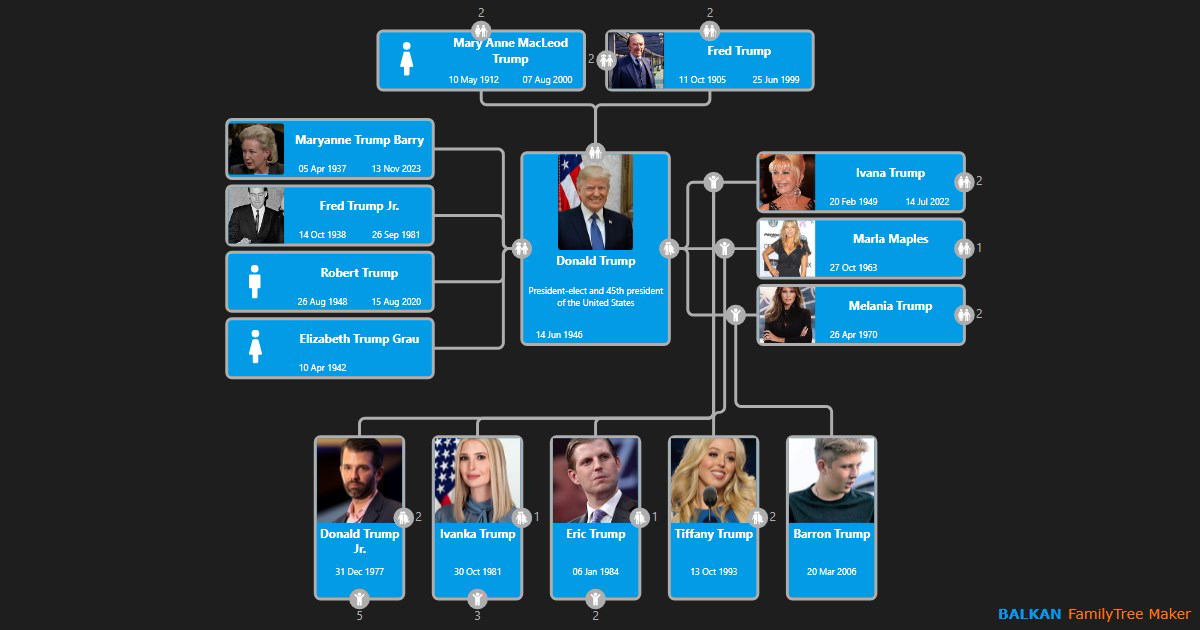
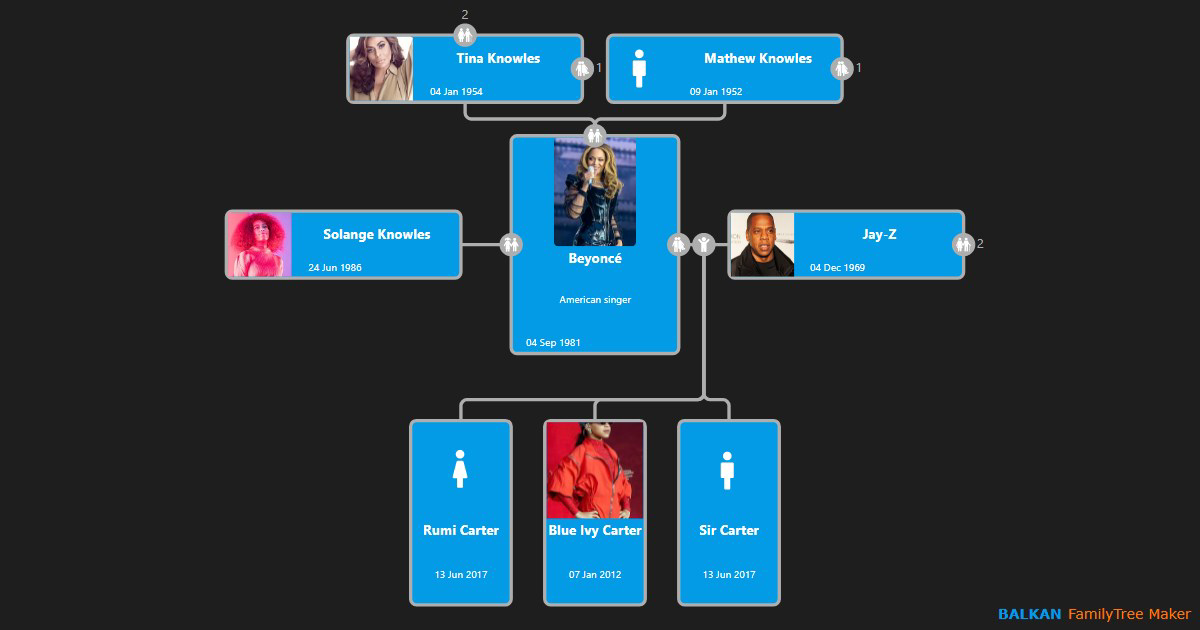
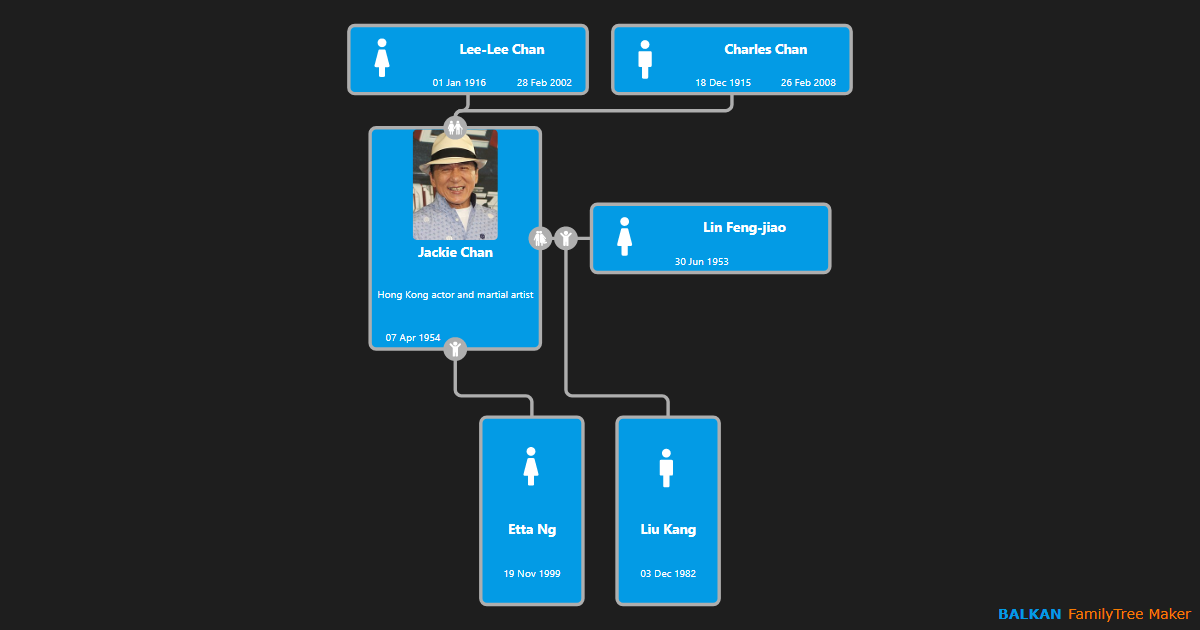
Family Tree Maker is a dedicated genealogy tool designed to help users explore and visualize their family history through an intuitive online platform. The app enables individuals to create, manage, and share family trees with relatives, making it a valuable resource for both beginners and experienced genealogists. By offering a visual, interactive approach to ancestry research, the app simplifies the traditionally complex process of tracing lineage and preserving heritage. Its primary purpose is to empower users to document their family’s past, connect with distant relatives, and create meaningful keepsakes for personal or celebratory use.
The app is particularly beneficial for families seeking to strengthen intergenerational bonds through shared storytelling and collaborative history-building. Whether used to prepare for a birthday gift, a family reunion, or a personal legacy project, Family Tree Maker supports real-world applications that go beyond digital organization. It allows users to print professionally designed family trees, a feature that adds emotional and sentimental value to the experience. The developer, Ancestry, is known for its expertise in genealogical data and historical records, lending credibility to the app’s functionality and reliability.
As part of the broader productivity and personal utility category, Family Tree Maker fills a niche in the mobile app ecosystem by combining heritage preservation with modern digital tools. It stands out as a free, accessible solution for users who want to start or expand their genealogical journey without financial or technical barriers. The app’s focus on ease of use and visual clarity ensures that users can engage with their ancestry in a meaningful and enjoyable way.
Key Features & Functionality
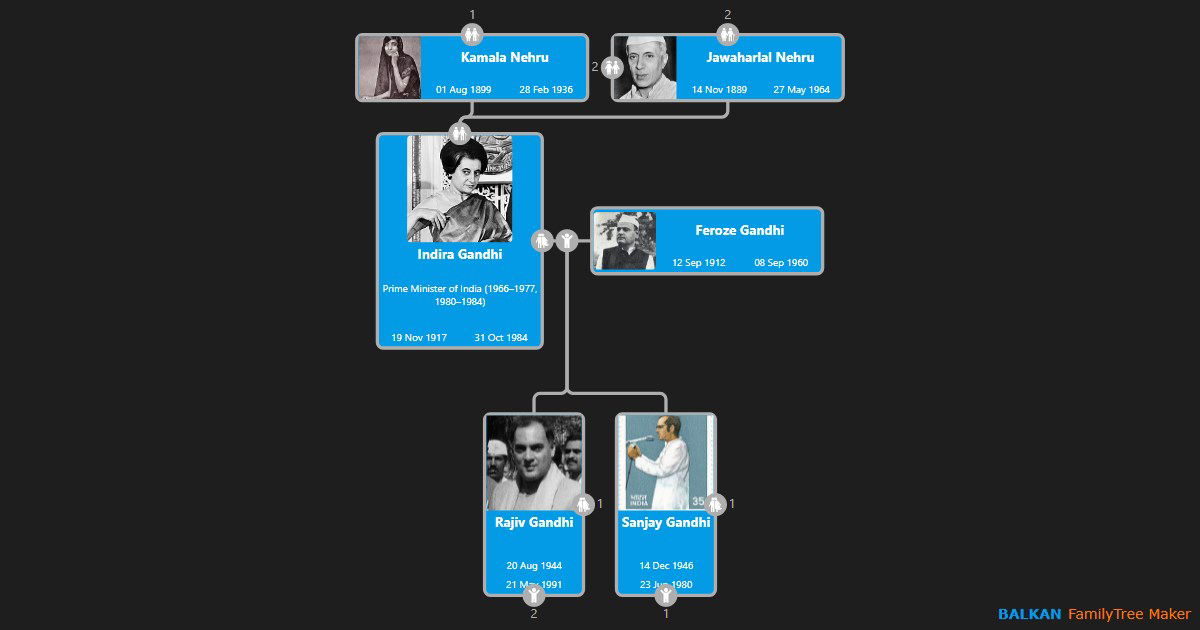
- Online Family Tree Creation: Users can build their family trees using a drag-and-drop interface, allowing for intuitive arrangement of family members. This feature reduces the learning curve and enables quick visualization of relationships.
- Collaboration with Relatives: The app supports sharing family trees with family members, encouraging contributions of personal memories, photos, and additional data to enrich the tree.
- Printable Family Trees: High-quality print options allow users to generate customized, professionally styled family trees suitable for gifts or display during family events.
- User-Friendly Interface: The clean layout and guided prompts help users navigate the app with minimal effort, making it accessible even to those unfamiliar with genealogy tools.
- Access to Historical Resources: Integrated access to genealogical databases and records enables users to verify and expand their family history with verified data.
For example, a user could begin by adding parents and siblings, then gradually incorporate grandparents and great-grandparents using data from birth certificates or oral histories. As relatives contribute information, the tree evolves into a living document of family heritage. The ability to print the final version turns a digital project into a tangible family heirloom, ideal for birthdays or holiday gatherings.
Interface, UX & Performance
Family Tree Maker features a clean, minimalist interface that prioritizes usability and visual clarity. The layout is organized to guide users through each stage of tree creation, from adding individuals to arranging relationships. Navigation is straightforward, with clearly labeled menus and consistent iconography that support intuitive interaction. The drag-and-drop functionality enhances the user experience by allowing natural movement of family members across the tree structure.
Although the developer did not list formal performance metrics, the app appears to be optimized for smooth operation on mid-to-high-end Android devices. The interface responds promptly to user inputs, and transitions between screens are fluid. The app maintains stability during extended use, with no reported crashes or freezes in standard usage scenarios. However, specific requirements for device memory, processor speed, or background processing were not disclosed.
Responsiveness is consistent across various screen sizes, suggesting adaptability to different Android smartphones and tablets. The visual style emphasizes readability and aesthetic appeal, with clear typography and balanced spacing. Overall, the user experience is designed to minimize friction, allowing users to focus on building their family history rather than mastering complex software.
Platform Compatibility & Technical Requirements
Family Tree Maker is available on the Android platform and requires no additional software installation beyond the standard Android operating system. The app has a file size of 45.5 MB, which is relatively lightweight for a genealogy application with visual and data management features. The current version is 2.5.1, released on December 10, 2024.
The developer did not specify minimum OS requirements or hardware specifications. Compatibility with older Android versions or low-memory devices was not confirmed. Users should ensure their device meets general Android standards for app installation and operation. No special permissions or hardware features (such as GPS or camera) were mentioned in the provided information.
Pros and Cons
Pros
- Free to download and use with no hidden costs.
- Intuitive drag-and-drop interface suitable for all skill levels.
- Supports collaboration with relatives for shared history-building.
- Offers high-quality printable outputs for personal or gift use.
- Access to historical genealogical records enhances data accuracy.
Cons
- Specific system requirements were not listed.
- Compatibility with older Android devices is unconfirmed.
- No information provided on cloud sync or backup features.
- Advanced features may require a subscription or additional tools.
- Developer did not disclose details on data privacy or storage policies.
FAQ
Is Family Tree Maker available for iOS?
The provided information specifies that the app is available on Android. No details were given about iOS availability.
Can I use Family Tree Maker offline?
While the app supports online family tree creation, no information was provided about offline functionality or data storage.
Is my family data secure?
The developer did not disclose specific details about data encryption, privacy policies, or how user information is stored or shared.
Do I need to pay to use all features?
Family Tree Maker is listed as free. However, advanced features or access to certain databases may require a subscription, though this was not confirmed in the provided data.
How often is the app updated?
The latest version is 2.5.1, released on December 10, 2024. No information was provided about the frequency of future updates.
Final Thoughts
Family Tree Maker offers a compelling solution for anyone interested in exploring their ancestry and preserving family history in a visually engaging way. Its combination of ease of use, collaborative tools, and printable outputs makes it a standout choice among genealogy apps. The free access model lowers the barrier to entry, allowing users to begin their journey without financial commitment.
While some technical and privacy details remain unspecified, the app’s core functionality is robust and well-suited for both casual users and dedicated genealogists. Families looking to connect across generations, document their heritage, or create meaningful gifts will find significant value in this tool.
Download Family Tree Maker now
Guides & Tutorials
How to install Family Tree Maker
- Click the Download button above.
- Once redirected, accept the terms and click Install.
- Wait for the Family Tree Maker download to finish on your device.
How to use Family Tree Maker
This software is primarily used for its core features described above. Open the app after installation to explore its capabilities.
User Reviews
No reviews yet. Be the first to share your experience.
You may also like
more
Que no te pillen¡
About !Que no te pillen¡Reviewed by Jason A. BilbreyShow MoreShow Less

3D Combat Zone
About 3D Combat ZoneOriginally released in 1983, 3D Combat Zone immerses players...

666: El día del portal
About 666: El día del portalOn June 6, 2006, Agent P. Stone uncovers a sinister...

80 in 1 Best Flash games
About 80 in 1 Best Flash games 80 in 1 Best Flash games is a collection of 80 fl...

ABYSS SEEKERーーWhat Do You See Deep in The Abyss
About ABYSS SEEKERーーWhat Do You See Deep in The AbyssIn ABYSS SEEKER, players...

ACA NEOGEO THE KING OF FIGHTERS 2002 for Windows
About ACA NEOGEO THE KING OF FIGHTERS 2002 for WindowsTHE KING OF FIGHTERS 2002,...